
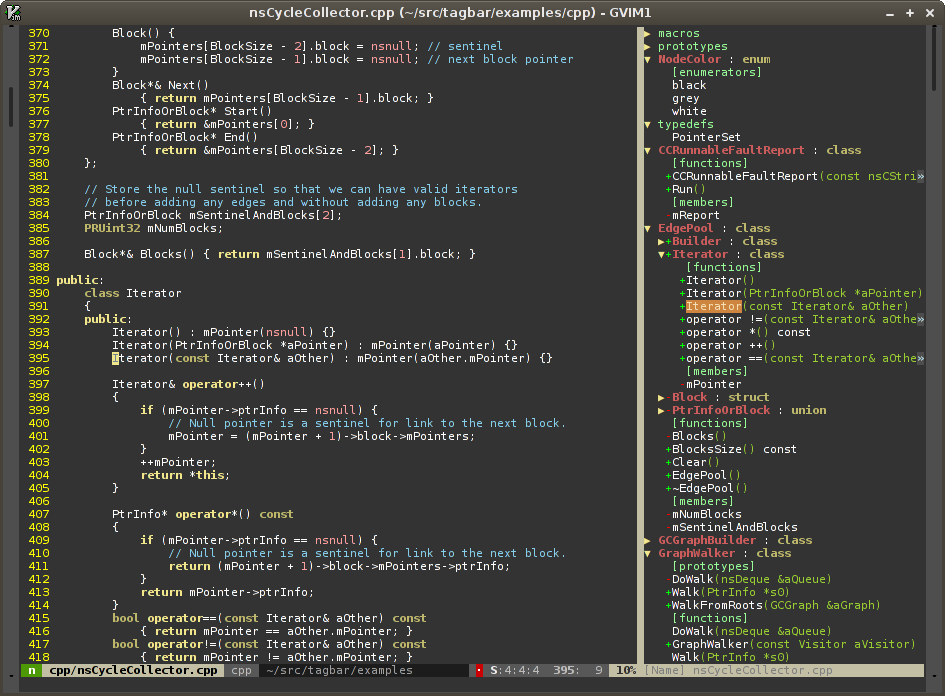
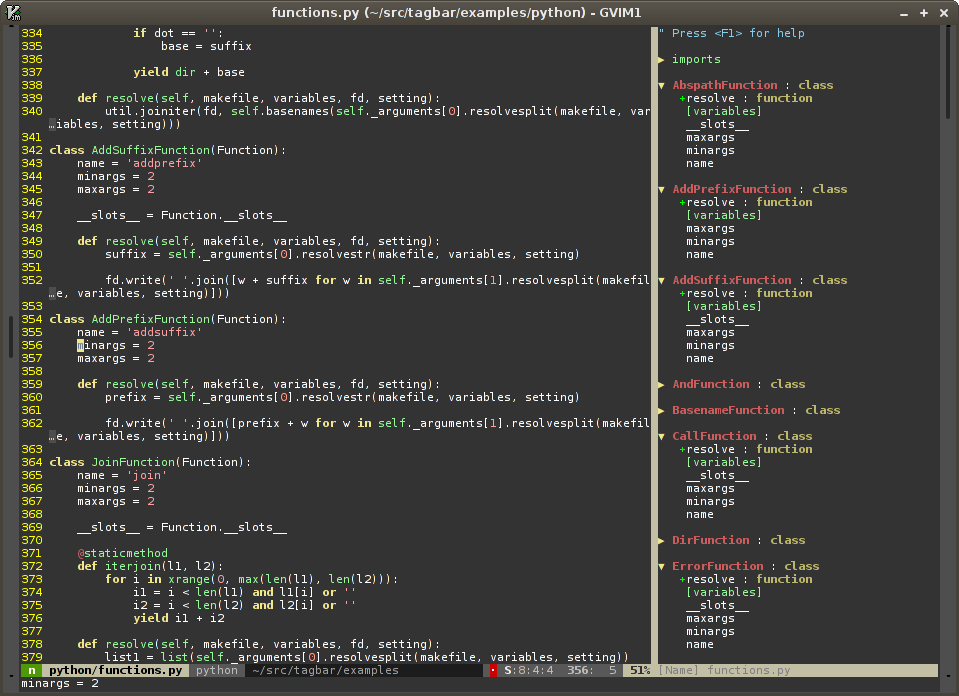
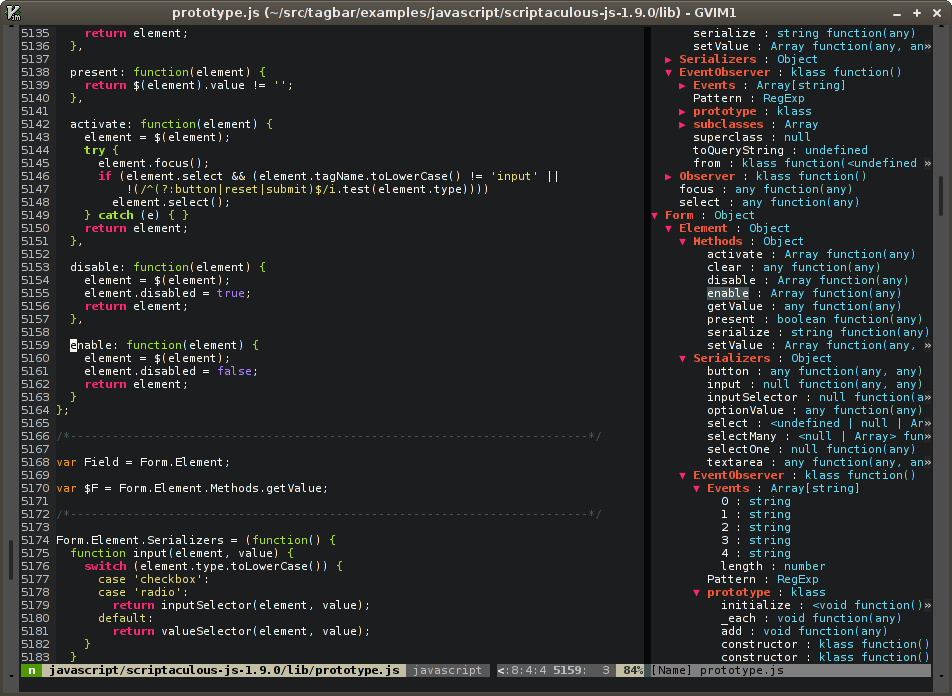
Tagbar is a vim plugin for browsing the tags of source code files. It provides a sidebar that displays the ctags-generated tags of the current file, ordered by their scope. This means that for example methods in C++ are displayed under the class they are defined in.
Extract the archive or clone the repository into a directory in your 'runtimepath' or use pathogen. Don't forget to run :helptags if you don't use pathogen.
Note: Vim versions < 7.0.167 have a bug that prevents Tagbar from working. If you are affected by this use this alternate Tagbar download instead: zip. It is on par with version 2.2 but probably won't be updated after that.
If the ctags executable is not installed in one of the directories in your $PATH environment variable you have to set the g:tagbar_ctags_bin variable, see the documentation for more info.
Put something like the following into your ~/.vimrc:
{% highlight vim %}
nmap
The wiki describes how to get better support for JavaScript with jsctags and extensions for additional filetypes that are not supported by Exuberant Ctags by default. If you create your own extension please add it to the wiki!
Vim license
Jan Larres <jan@majutsushi.net>
You can also clone the project with Git by running:
$ git clone git://github.com/majutsushi/tagbar